



















In this blog, I’ve got something exciting to share with you, it’s my new drawing tablet!
And when we talk about drawing tablets…. the ones with a screen can be super expensive for beginners.
I know this from personal experience… 🥹
Back then when I was just starting my art journey, I’ve tried a lot of budget tablets. Some were my friends' tablets, and some I bought myself.
But most of them didn’t work well…
So for over 10 years, I only used Wacom tablets. I thought sticking with a trusted brand was the best way to avoid wasting time and money.
Then last month, something surprising happened! Veikk sent me one of their pen display tablets to review. The model is called Veikk Studio 16.
It’s a budget tablet, so I didn’t expect much. But after using it for a few weeks, it blew my mind! 🤯
I’ve done the test by using it to produce these artwork last month for my client. It went really well.

It worked so well that I haven’t touched my Wacom Cintiq 16HD since.
I’m still using the Veikk right now as I write this.
So, in this email, I’ll give you a quick review of the Veikk Studio 16, just in case you’re looking for a good tablet that’s friendly to your wallet.
Now, let’s get started!

Before I started using the Veikk tablet, I was drawing with a Wacom Cintiq 16HD which cost me around $600!
But now I’m using the Veikk, and I’m really surprised (in a good way!) It works super well, and it only costs $299!
Given this attractive price, let’s explore inside the package.
What's Inside the Box?

When you open the VEIKK Studio 16 box, you’ll see lots of cool stuff waiting for you!
Here’s what you get:
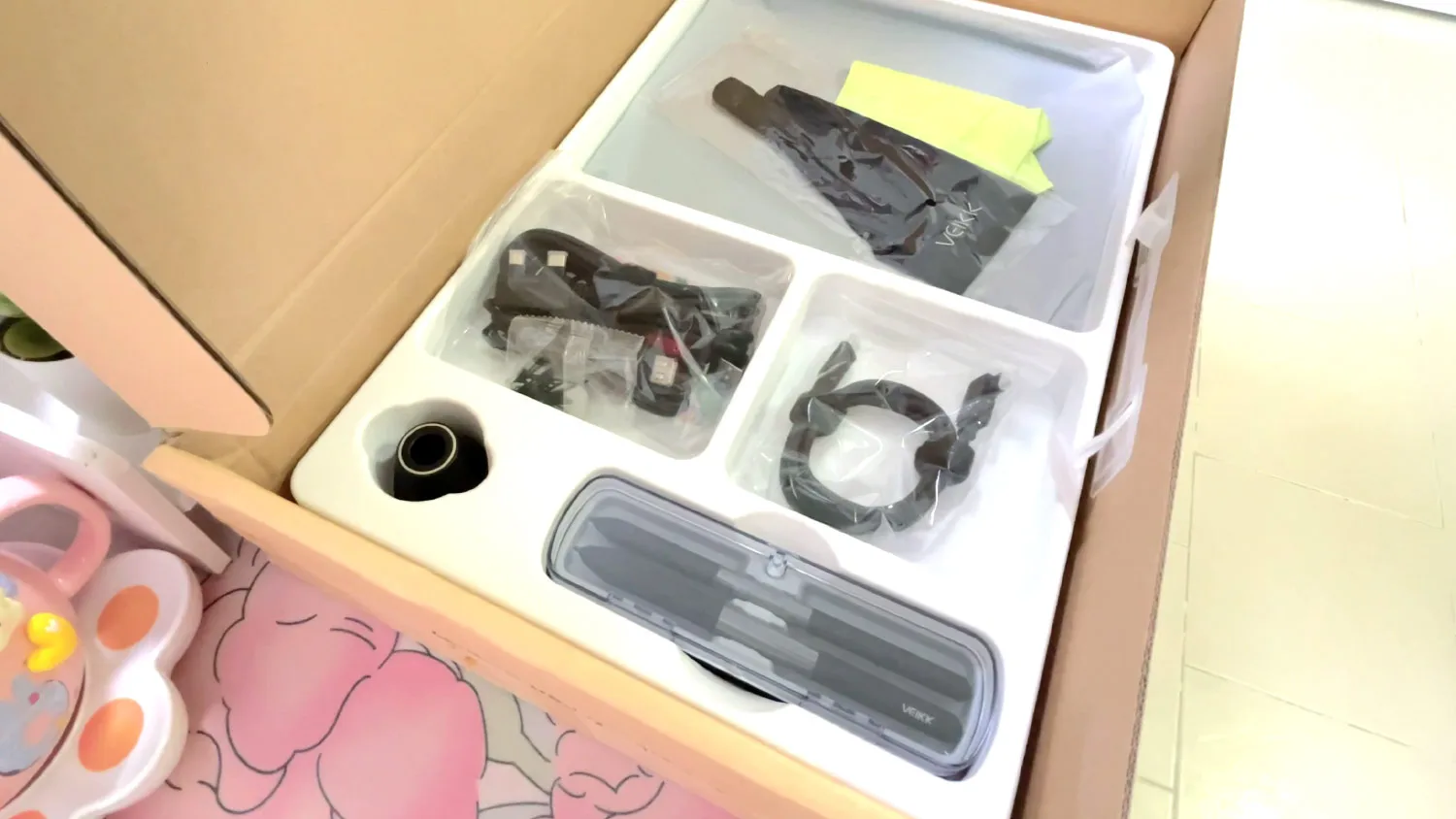
- The VEIKK Studio 16 Pen Display
- Two battery-free pens
- 28 pen nibs
- A pen stand
- All the cables you need which is USB-C, HDMI, and a power adapter (You can connect this tablet with both PC and smartphone devices.)
- A cleaning cloth and a drawing glove
- A plastic tablet stand with 3 angles
-

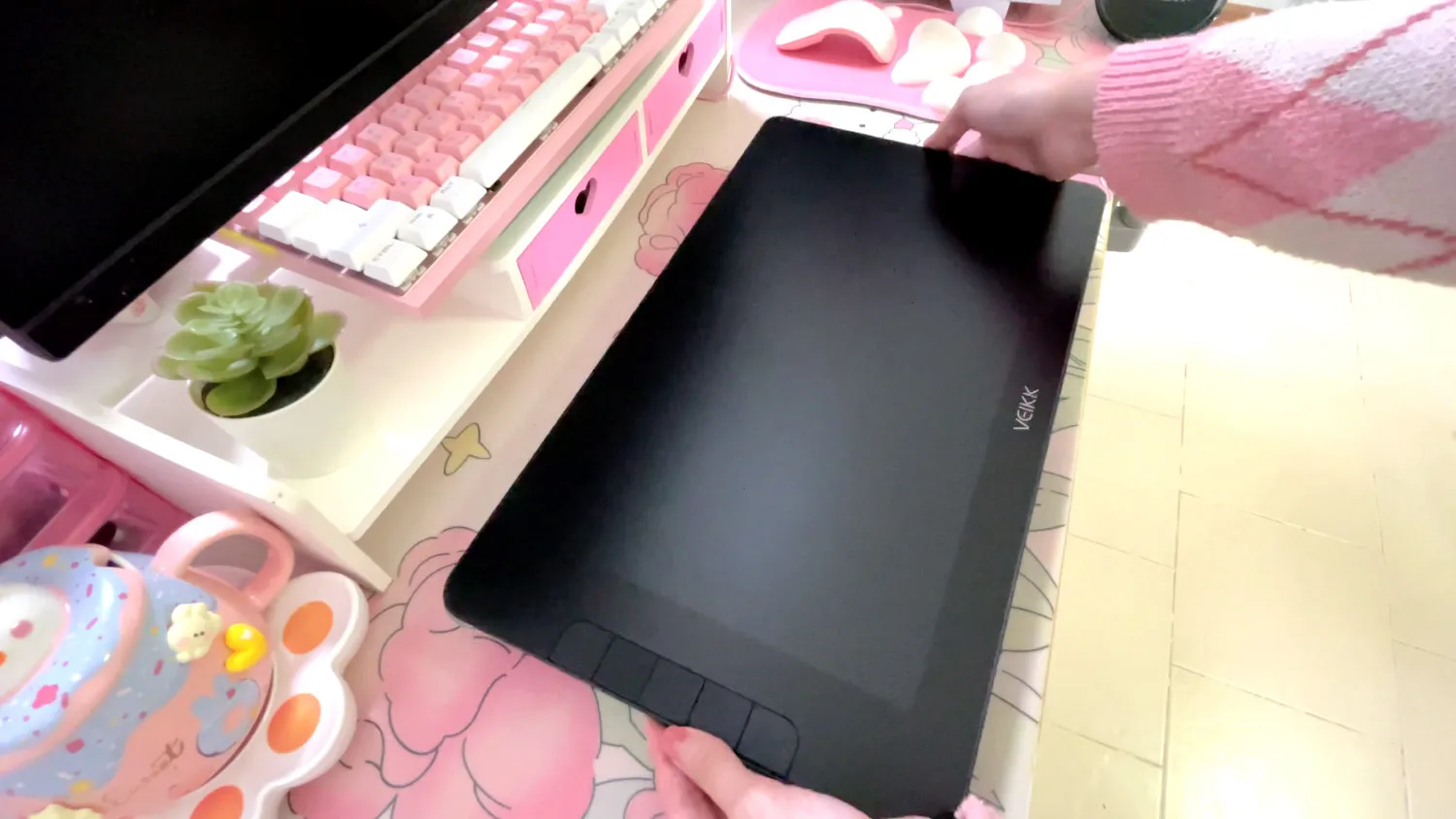
- 15.6 display
-
- All the accessories
-
- A pen display stand
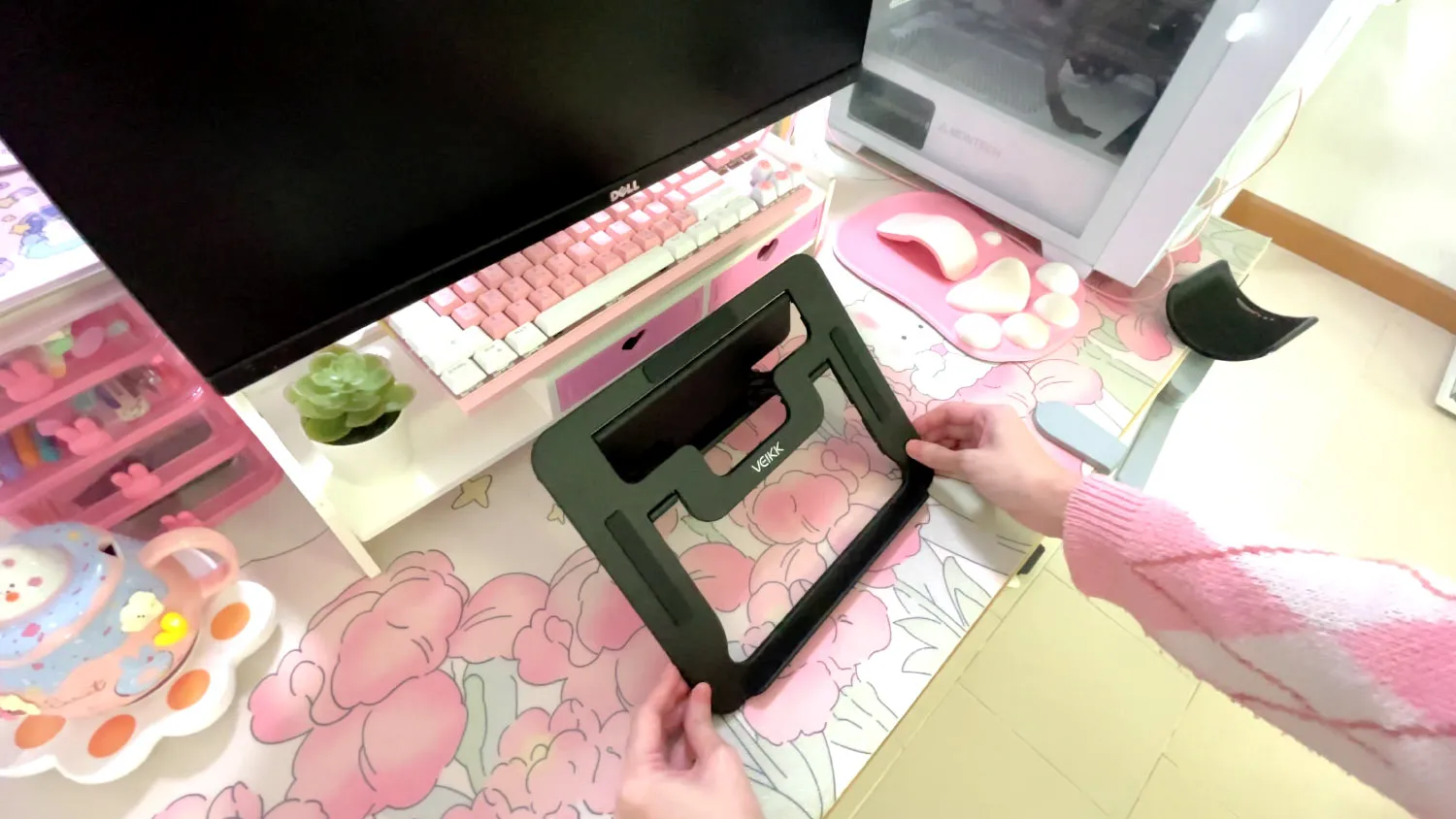
Veikk really packed a lot into this box. So generous! Now, let’s take a closer look at the display and the pen.
Big, Clear Screen That’s Easy on the Eyes
The screen on this tablet really surprised me. For just $299, I didn’t expect it to be this nice. 🥹
15.6 Inches of Drawing Space
It has a big 15.6-inch display which is much larger than I thought! Big enough to draw comfortably, but still fits nicely on my desk.

Anti-Fingerprint & Anti-Glare Coating
It has a special coating that helps keep fingerprints away. That makes the drawing feel smooth and clean when you drag your pen across the screen.

And here’s the best part: it’s anti-glare! That means you can see your art clearly even in bright rooms.
If you’re wondering how good the anti glare is, just take a look at this photo.

My other pen tablet costs $600, but the anti-glare on this Veikk one is actually way better!
Built-in Buttons
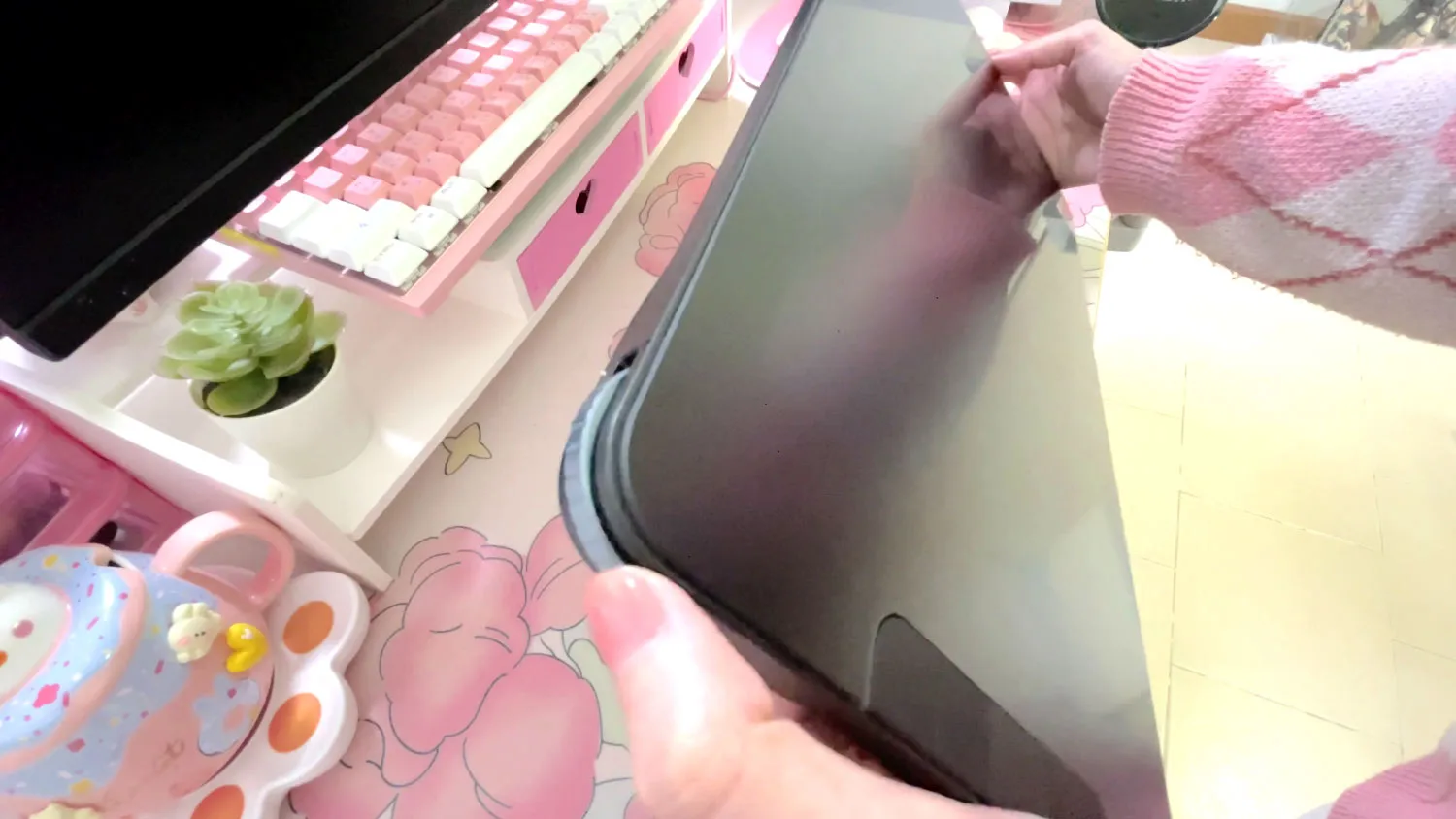
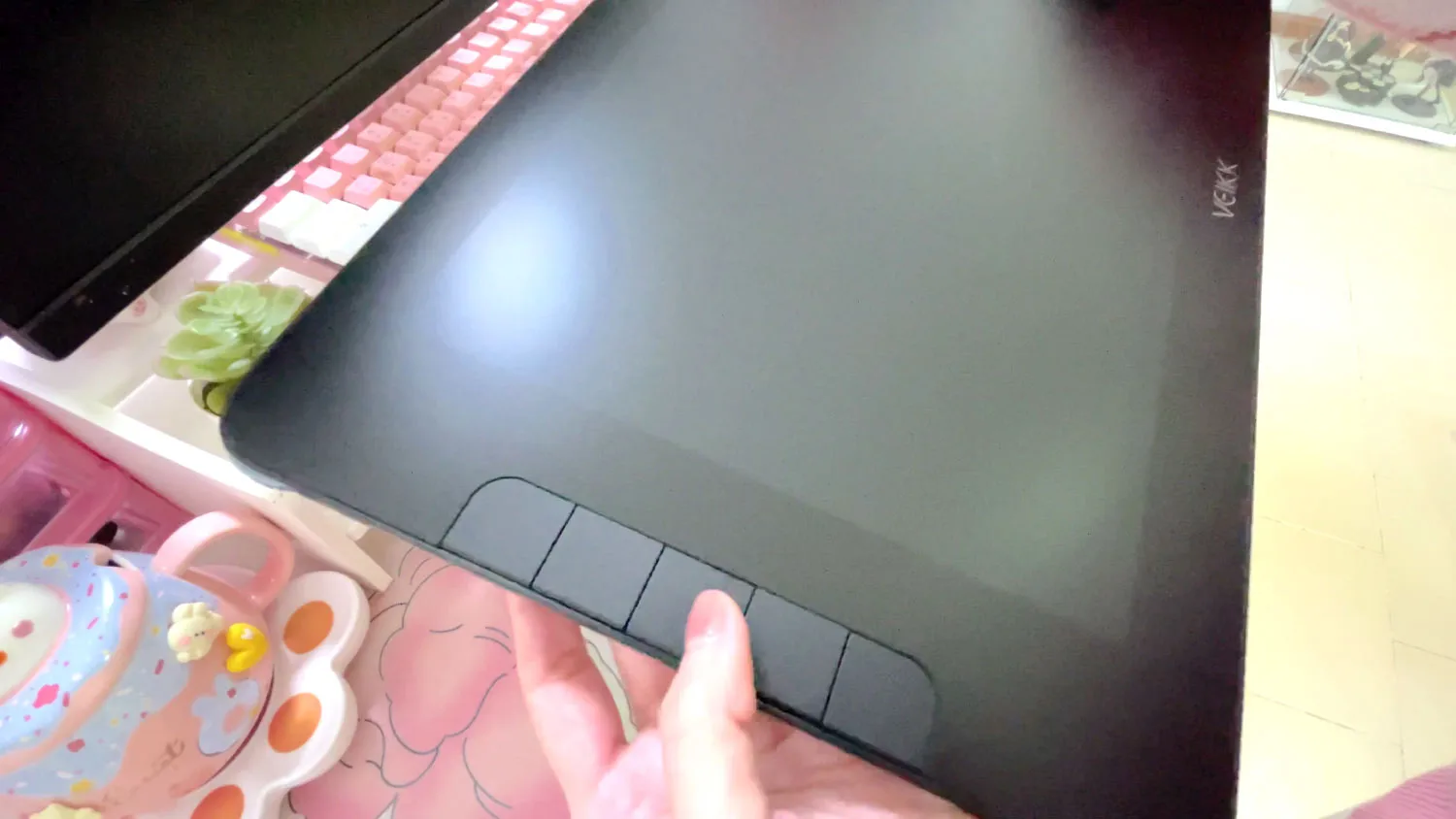
It comes with some handy physical buttons and a wheel on the left side of the screen.
Setting your shortcuts onto these buttons makes the drawing process even smoother.
-
- The Wheel
-
- 5 Customizable buttons
16K Pressure Sensitivity Pen
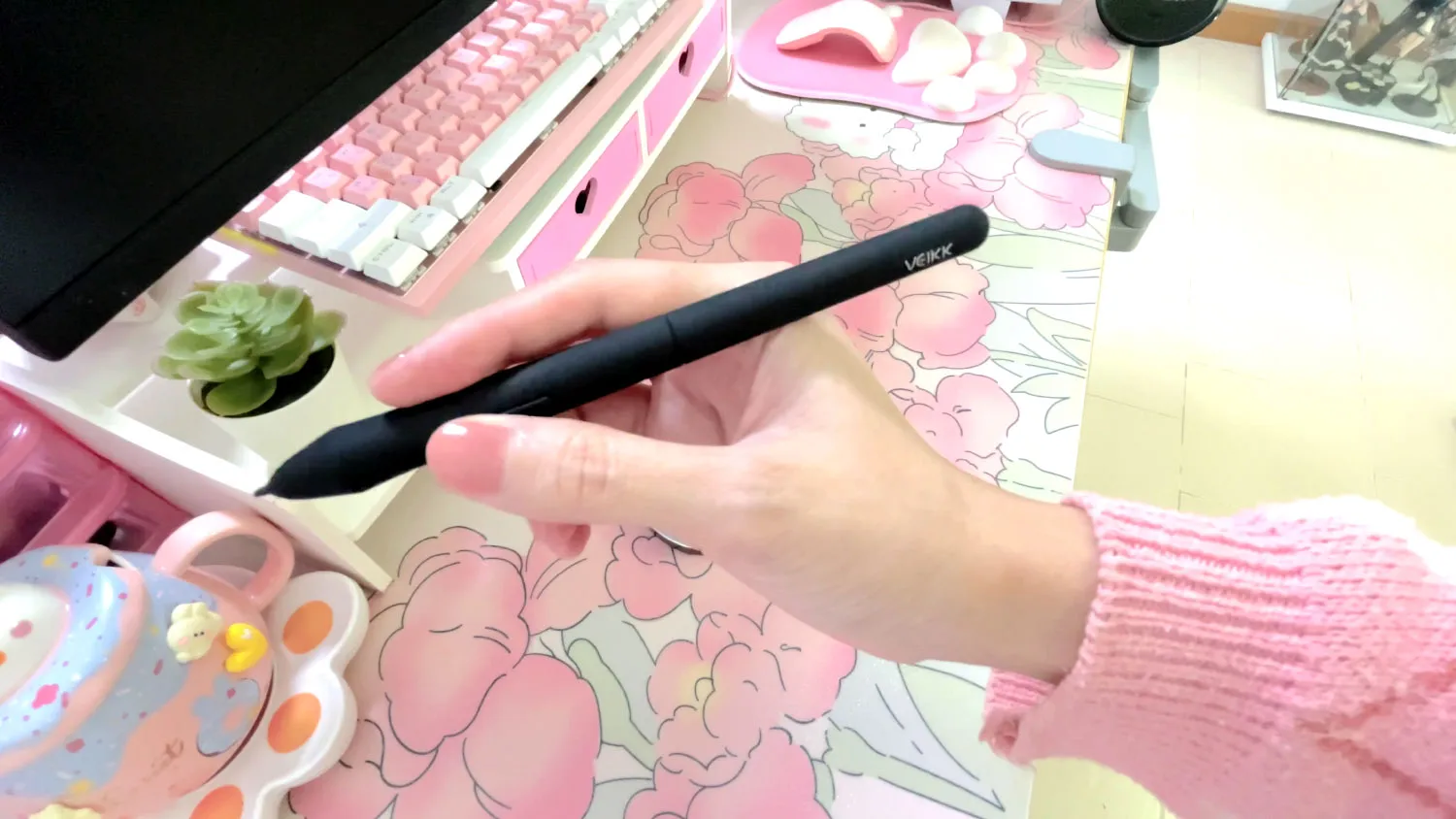
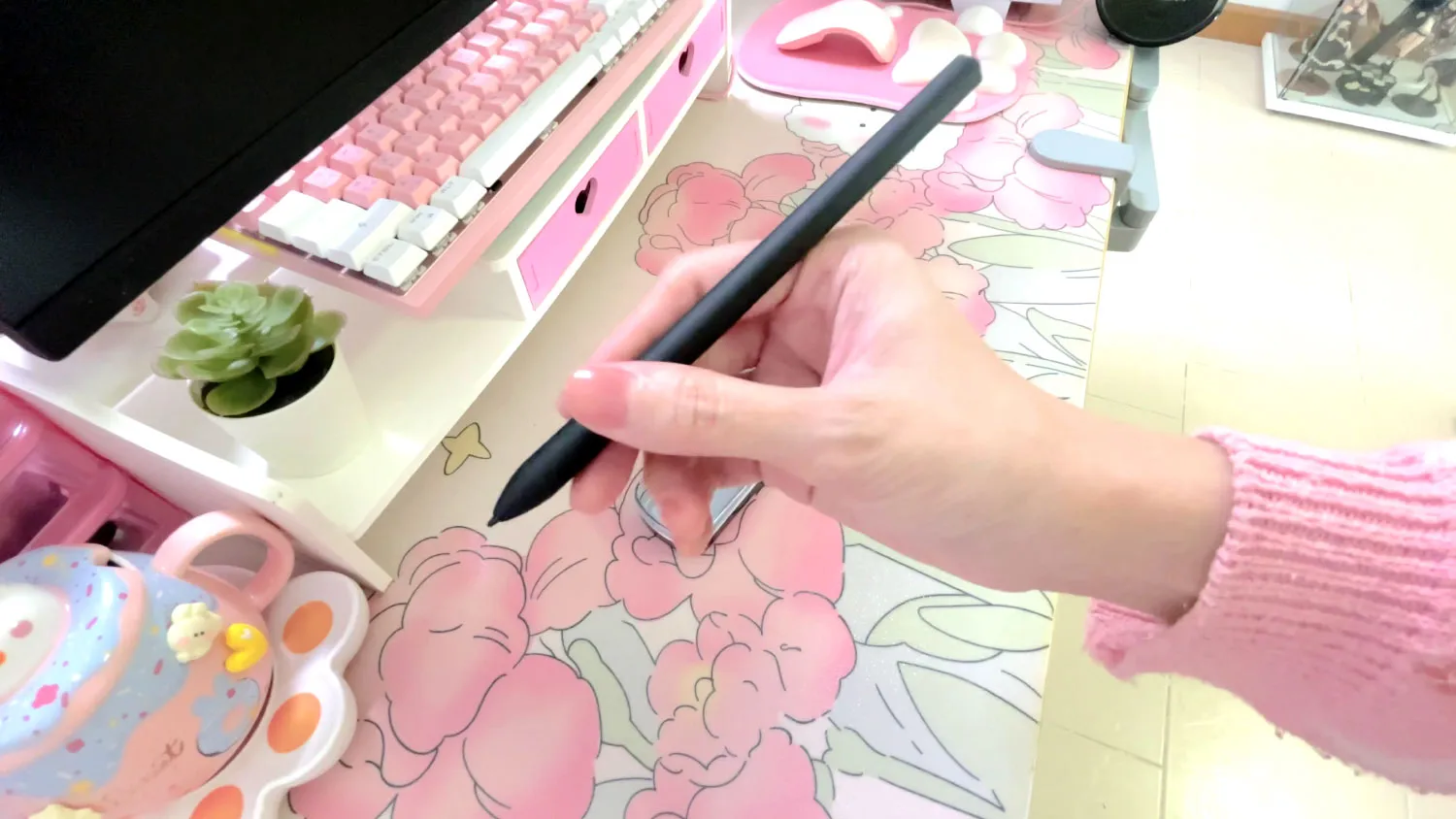
This drawing tablet comes with two battery-free pens that can sense 16,384 levels of pressure.
One pen feels like a regular pen for tablet drawing, and the other one is more like an Apple Pencil. Just pick the one that feels right for you.
-
- A regular pen tablet style
-
- A thinner one similar to Apple Pencil style
And with the 16K level of pressure sensitivity, you can control line weight just the way you want.
Your lines can be thin or thick depending on your hand pressure, and your shading can look smooth and soft.

The Setup
Setting up this tablet is really simple! You just plug it in using the USB-C and HDMI cables that come in the box.

You can even connect it to your Android phone or tablet if you want.
And here’s something I really love. When you use it with your PC, you don’t need to plug it into a power outlet.
It works with just one cable, which makes everything neat and easy.
The Drawing Experience
I’ve been using the Veikk Studio 16 for about 2 to 3 weeks while working on an artwork for my client. And I was really impressed!
I also made a video about it here on my YouTube channel.
Pen Pressure
When I tested the tablet, the pen is super sensitive to how hard or soft I press, so I can make thick or thin lines just by using my hand.

Also, I can change how the pen feels by adjusting the pen pressure settings in the tablet driver. Then, I can tweak the pen pressure again in Clip Studio Paint.
With both settings, I can make the pen pressure work just the way I like it.

Parallax
When you use a pen display screen, it’s normal to see a small gap between the pen tip and the cursor. This is called parallax.
Some cheaper tablets I’ve tried had a really big gap, which made drawing harder. But with this tablet, the parallax is much smaller.
You might still notice a tiny delay or space, but for me, it’s totally fine.

In fact, the parallax on this tablet is even better than my old Wacom Cintiq 16HD!
So overall, I think this one is really impressive for its $299 price tag.
Final Thoughts
The pen pressure is better than my old tablet. It has a wider range, so I can control my strokes more easily.
I also noticed something great about the screen, it didn’t hurt my eyes, even after drawing for hours!
Usually, I get tired eyes from the light in my room, but the anti-glare screen really helped. Honestly, the screen looks way better than the one on my old tablet.
The only small thing I didn’t like at first was the pen nib. It felt a little wobbly. But after using it more, I got used to it, and it didn’t bother me anymore.

Overall, I had a great drawing experience. For around $299, it gives me way more value than I expected!
If you’re a beginner looking for your first pen display tablet, or if you want to switch from an old screenless one, this is a great choice.
And as always, I've got a little gift for you! 💖
Use the code and link below to get a special discount on Veikk Studio 16!
🎁 Get SPECIAL DISCOUNT! with coupon code Lunar10 on Veikk official store!
🎁 Get 200THB off with code VEIKK0730 on Veikk TH Shopee store!
🎁 Get 200THB off voucher on Veikk TH Lazada store!
Even though I get a small commission for reviewing this tablet, I only share tools that I really love and use myself.
At $299, I truly think it’s worth every penny.
I hope this blog makes you feel ready to choose your next tablet with confidence.
Remember that you don’t need an expensive device to create great art. Pick the one that fits your budget and feels right in your hands. 💖
The real game-changer in your art journey is not a fancy tool but taking that first step, no matter how small!
Finally, if you like art tips and content like this, feel free to subscribe to my weekly newsletter
I share my anime art tips and experiences in my digital art career in a weekly email. You'll get the insight and behind the scene of the art career! Really recommend if you're a beginner anime style artist.
Thank you so much for reading this post! I really appreciate your visiting and using your valuable time reading my content!
Much Love 💖

Want to know how to start your anime art journey?
Download my ANIME ART STARTER GUIDE and start your artistic path right away for FREE!